Search…
  • EN

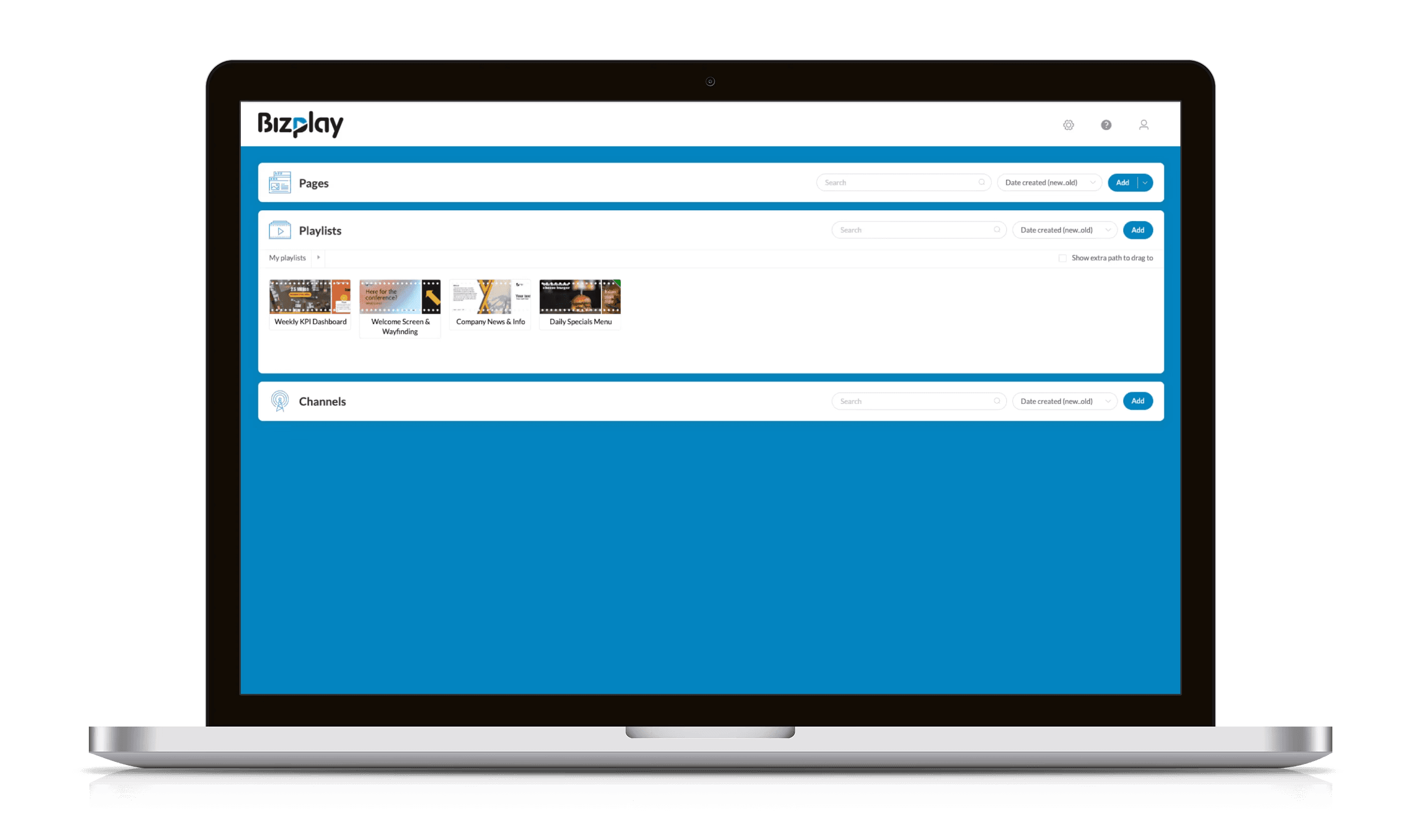
Mock up of Bizplay digital signage playlists
Playlists

Turn Pages Into
A Visual Story with Playlists

Turn Pages Into
A Visual Story with Playlists

Turn your individual pages into a visual story. Control playback order and duration, and deliver engaging, schedule digital signage content across all screens, all from one central dashboard.

Turn your individual pages into a visual story. Control playback order and duration, and deliver engaging, schedule digital signage content across all screens, all from one central dashboard.

Bizplay playlists editor, adjust playback duration and page transitions to control screen content timing.

🔂 Control Playback Duration

Keep your content moving just right. Each page in your playlist can have its own duration, so every message appears exactly as long as it should.

🔂 Control Playback Duration

Keep your content moving just right. Each page in your playlist can have its own duration, so every message appears exactly as long as it should.

Flexible timing

Choose a fixed display time or let video length decide playback.

Smarter automation

Skip pages automatically when no data is available (e.g., no birthdays today).

📅 Schedule Individual Pages

Make certain pages appear only on specific dates or times. Scheduling at the page level keeps your playlists relevant and easy to maintain.

📅 Schedule Individual Pages

Make certain pages appear only on specific dates or times. Scheduling at the page level keeps your playlists relevant and easy to maintain.

Targeted messaging

Display content only when it matters, like promotions or announcements.

Automatic clean up

Expired pages are removed from playlists automatically.

Page-level scheduling settings showing days, dates, and time ranges to control when a specific playlist page is displayed.
Bizplay digital signage CMS dialog showing the option to mix the ‘Lunch menu’ playlist into channels from other dashboards at a set interval, enabling centralized playlist sharing and automatic updates across multiple locations and branches.

↗️ Share Playlists Across Dashboards

For larger organizations, sharing is seamless. Link a playlist from one dashboard to another and keep all content aligned. Updates made by the owner instantly appear everywhere.

↗️ Share Playlists Across Dashboards

For larger organizations, sharing is seamless. Link a playlist from one dashboard to another and keep all content aligned. Updates made by the owner instantly appear everywhere.

Centralized control

Update once, and changes appear across all linked playlists.

Scalable setup

Perfect for Muti-location businesses and global teams.

📃 Playlist overlay

Want to show a logo, ticker, clock, or progress bar consistently across your playlist? Add a page with these elements as a foreground layer to the playlist. Duplicate the playlist and use a different overlay to easily manage branded variations.

📃 Playlist overlay

Want to show a logo, ticker, clock, or progress bar consistently across your playlist? Add a page with these elements as a foreground layer to the playlist. Duplicate the playlist and use a different overlay to easily manage branded variations.

Reusable overlays

Make important text or visuals pop with animations.

Consistent branding

Use motion to guide viewers through your content naturally.

Bizplay digital signage editor interface showing a ‘Coffees’ foreground page with multiple content slides, page transition set to fade, playback duration controls, and preview options for managing digital signage playlists.

No Credit Card Required.